Belink vs Linktree for Small Teams: A Publishing Workflow Comparison
Belink and Linktree can both give a small team one public page for several destinations, but the better fit depends less on the number of buttons than on the publishing workflow around them. Decide who owns the page, how often links change, which design controls matter, what analytics the team will actually review, and whether it prefers a focused page or a broader creator-commerce platform.
For a small business, association, event team, or independent service provider, the page is often maintained by someone who also handles operations. The winning tool is therefore the one the team can keep accurate. A polished page with an expired booking link or an old campaign at the top is less useful than a simple page whose owner reviews it every week.
Belink is a focused link in bio option for arranging the destinations a visitor may need. Linktree is a larger established platform with free and paid plans, customization, analytics, sign-up tools, commerce options, and integrations that vary by plan. This guide compares practical fit rather than declaring one universal winner.
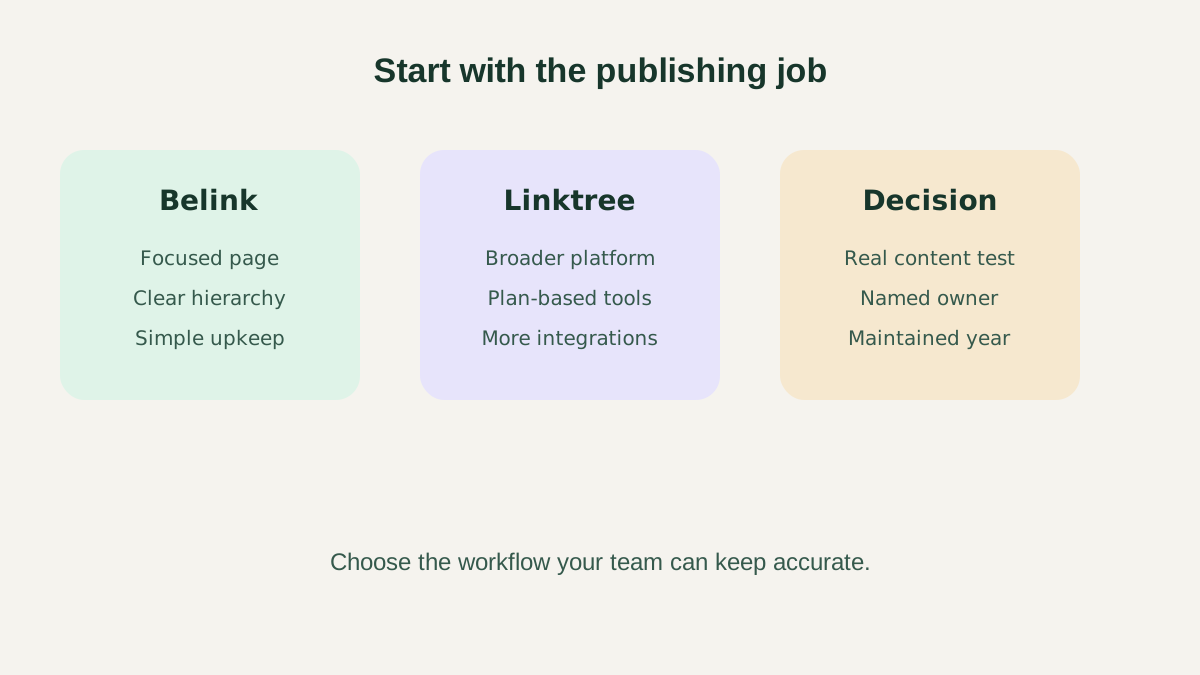
Start with the team's publishing job, then compare the controls needed to complete it.
Quick answer
Choose Belink when the priority is a direct, uncomplicated page that a small team can assemble around its existing website, store, booking page, social profiles, and current campaign. Choose Linktree when the team specifically needs its broader ecosystem, plan-based analytics, integrations, lead collection, selling features, or other platform tools.
Neither choice removes the need for editorial ownership. Before committing, make a list of required destinations, test the mobile result, identify the person who approves changes, and compare the exact current plan terms on each official site. Features and prices can change, so treat a live checkout or pricing page as the final commercial source.
The wider roundup of link-in-bio tools for 2026 provides additional context if your shortlist contains more than these two products.
Compare the job before the feature list
Write one sentence that explains what the page must help a visitor do. A local studio may need to show booking, directions, classes, and contact details. A maker may need a shop, next market date, care guide, and social account. A consultant may need a service overview, calendar, case studies, and newsletter.
Then mark each destination as permanent, seasonal, campaign-based, or emergency. Permanent links should rarely move. Seasonal links need start and end dates. Campaign links need an owner and measurement plan. Emergency links, such as an updated venue notice, need a fast approval path.
This exercise prevents the platform comparison from becoming a hunt for the longest feature list. A feature matters only if it supports a real visitor task and the team can maintain it.
Belink: best fit for a focused publishing routine
Belink suits teams that want to organize a concise page around destinations they already operate. The practical workflow is familiar: collect the URLs, choose clear labels, order the most important actions, preview the page on a phone, publish, and review it on a schedule.
A focused scope can reduce decision overhead. The team does not have to design an elaborate microsite to make a useful page. It can concentrate on the information hierarchy: one clear first action, a small number of supporting choices, and recognizable contact or social routes.
That simplicity is only an advantage when the team uses it well. The owner should still test every destination, remove expired offers, write accessible labels, and keep the top of the page aligned with the current business goal. The guide to organizing links on a bio page gives a repeatable method.
Linktree: best fit for a broader platform requirement
Linktree publishes a multi-link profile too, but its current official materials position it as a wider platform. Depending on the selected plan, a team may evaluate design customization, featured links, analytics history, audience sign-ups, integrations, selling tools, social scheduling, or automated social responses.
That range can be valuable when several needed capabilities already live inside the Linktree workflow. It can also add evaluation work. The team should separate must-have features from attractive extras, confirm which plan contains each one, and calculate the ongoing cost over the period it expects to use the page.
Do not buy a higher tier solely because a dashboard contains more data. Decide which questions the team will answer. Examples include which campaign link receives meaningful visits, whether a new top link displaced a more important route, and when an expired promotion should be removed.
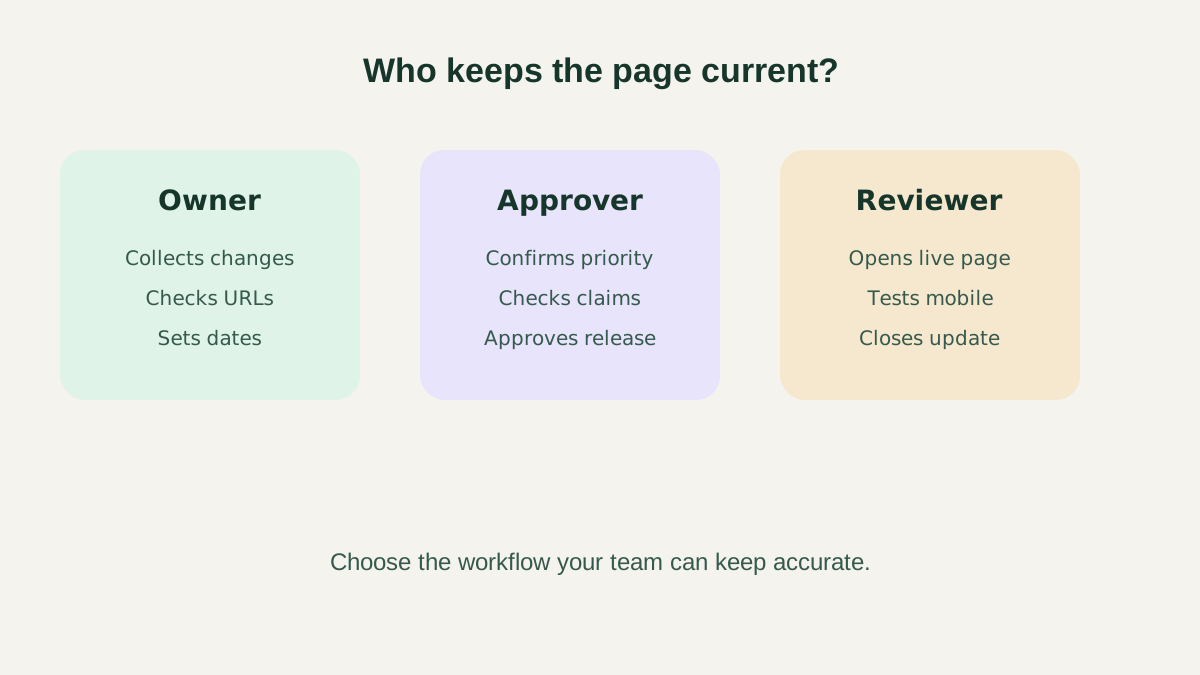
The page stays current when every change has an owner, approver and verification step.
Ownership and approvals matter more than team size
A two-person team can still publish conflicting changes if both assume the other owns the page. Assign one primary editor and one backup. For each update, record the requested link, label, priority, start date, end date, destination owner, and approver.
Use a short release note when several links change together. A product launch might require a new first link, a temporary support route, and removal of a waitlist. Treat those edits as one release so the public page does not pass through a confusing half-updated state.
After publishing, open the public page while signed out. Tap every changed link and confirm redirects, mobile readability, access requirements, and the destination's current content. Publishing is not the same as verification.
Design comparison: clarity before decoration
Compare both products using the same content. Add the same destinations, labels, and order to a test page. View each on a small phone, a larger phone, and a desktop browser. Check heading contrast, button contrast, tap-target size, label wrapping, and whether the primary action remains visible without unnecessary scrolling.
Brand controls are useful when they improve recognition. Consistent colors, type, logo treatment, and imagery can reassure a visitor that the page belongs to the same organization as the linked website. They should not make the interface harder to scan.
The bio-page layout guide explains how a single-column priority stack, sectioned directory, and campaign-led layout serve different visitor needs.
Analytics comparison: begin with decisions
Linktree publicly describes different analytics capabilities across its plans. When comparing it with Belink, do not treat analytics as one yes-or-no checkbox. List the exact period, event, attribution, export, or integration the team needs, then verify those fields in the current product.
For many small teams, a lightweight review is enough: record the date of a page change, the link's position, its intended audience, and the outcome that matters on the destination. Destination-side data—such as a completed booking, purchase, or form submission—often matters more than a raw click count.
Avoid changing multiple labels, positions, and campaigns at once if you want to understand the result. One controlled change creates a clearer comparison than a complete redesign.
Cost comparison: calculate the maintained year
Compare the full year rather than the first screen of a pricing page. Include the selected plan, billing frequency, required add-ons, staff time, design work, migration effort, and the cost of leaving incorrect information online.
A free plan can be the right answer when it covers the real job and the team accepts its branding or limits. A paid plan can be efficient when a required capability saves repeated work. The wrong choice is paying for features nobody operates or choosing a minimal option that cannot support a critical visitor route.
Because pricing and plan boundaries change, capture the date of the comparison and link to the official offer reviewed. Recheck before renewal.
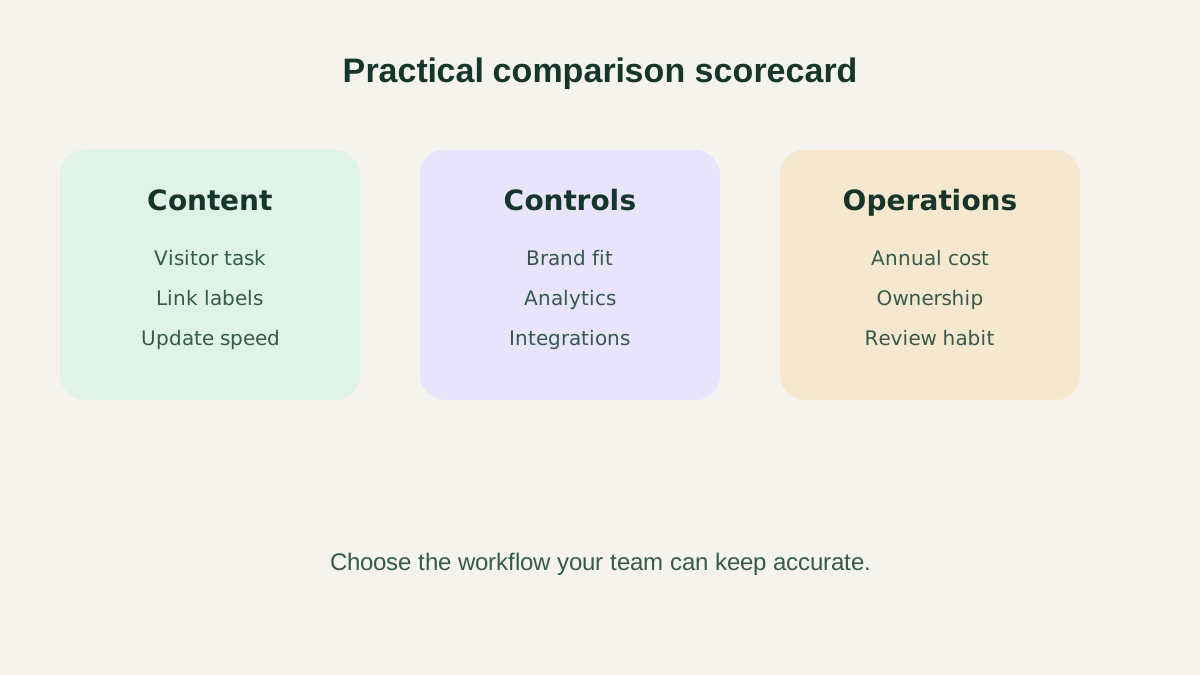
Score only requirements the team can name, verify and maintain.
A fair 30-minute test
First, prepare six real destinations and write labels without looking at either editor. Second, build the same hierarchy in both tools. Third, preview each page on a phone and ask a colleague to find the most important action without coaching.
Next, change one time-sensitive link and measure how easily the editor can update, preview, publish, and verify it. Review plan boundaries for the features used. Finally, score each option from one to five for content workflow, mobile clarity, brand fit, required analytics, integrations, total cost, and maintenance confidence.
Keep notes beside the scores. “4” is not actionable; “the backup editor can replace an event link and verify it in five minutes” is.
Migration checklist
If moving from Linktree to Belink, or the reverse, export or record the current destinations and their order. Identify links worth preserving, expired campaigns to remove, and any analytics that must be archived. Create the replacement page before changing the social profile destination.
Test the new page while signed out. Then update the bio URL in each public profile, not just the most active account. Keep the old page available briefly if appropriate, but avoid maintaining two competing versions indefinitely.
Review the replacement after the first day and again after one week. Check broken destinations, unexpected access gates, label wrapping, and visitor questions received by the team.
Final recommendation
Belink is the stronger candidate for a small team that values a focused page and straightforward publishing routine. Linktree is the stronger candidate when its broader, plan-dependent ecosystem matches specific operational requirements. The decision should follow a real-content test, not familiarity with a brand name or the length of a feature table.
Whichever product you choose, document ownership, publish the most useful action first, and schedule a recurring accuracy review. A current page with a clear job will outperform a more complex page the team forgets to maintain.
Frequently asked questions
Is Belink a Linktree alternative?
Yes. Both can publish a page that organizes several destinations from one profile link. Compare the current workflow, design controls, analytics, integrations, plan terms, and maintenance needs before choosing.
Is Linktree free?
Linktree currently advertises a free plan as well as paid tiers. Check its official pricing page for the current limits and prices in your market before deciding.
Which tool is better for a small business?
Belink is a good fit for a focused publishing workflow. Linktree may be preferable when the business needs specific tools from its broader platform. Test both with the same real links.
Can I move without breaking my social profiles?
Build and verify the replacement page first, then update the destination in every profile. Check the public route while signed out and keep a record of the previous links in case a correction is needed.