Belink vs Lnk.Bio: Focused Link Page or Feature-Rich Profile?
Belink and Lnk.Bio both turn one profile URL into a page of useful destinations, but they begin from different product philosophies. Belink is the clearer fit when you want a focused page, a short publishing routine and one-time lifetime publishing. Lnk.Bio is worth evaluating when you want a larger catalogue of templates, embeds, integrations, multipage options or add-ons and are prepared to manage those choices.
This comparison is published by Belink. We checked the public Belink and Lnk.Bio product and pricing pages on October 31, 2026. Plans and features can change, so confirm the live offer before paying. The examples below describe practical workflows rather than customer results.
Quick answer
Choose Belink when the job is to maintain a direct link in bio that routes visitors to destinations you already operate, such as a shop, booking page, newsletter, portfolio or latest release. Choose Lnk.Bio when your profile needs a broader collection of embedded services, page layouts, integrations, scheduling or optional commerce features.
The decisive question is not which product lists more features. It is which page your team can keep accurate. Every link, embedded feed, form, shop item and scheduled campaign introduces an owner, a source of truth and a review task.
Compare the page you actually need
Begin with the visitor's top three tasks. A musician may need “play the new release,” “see live dates” and “join the mailing list.” A consultant may need “understand the service,” “book a call” and “read a case study.” A local business may need directions, opening information and a booking destination.
If those destinations already contain complete information, the profile page should stay concise. It only needs to identify the account, establish a clear priority and route people correctly. If essential information has no maintained home, a richer profile can help—but only if someone is responsible for updating it.
Lnk.Bio's public materials describe unlimited links on its free plan, basic statistics, media embeds, templates and integrations, with paid levels adding capabilities such as scheduling, link groups, password protection, advanced analytics, custom colours and additional pages. Belink intentionally presents a smaller publishing decision: build a focused page, publish it free for 30 days, then keep it live through a one-time lifetime payment.
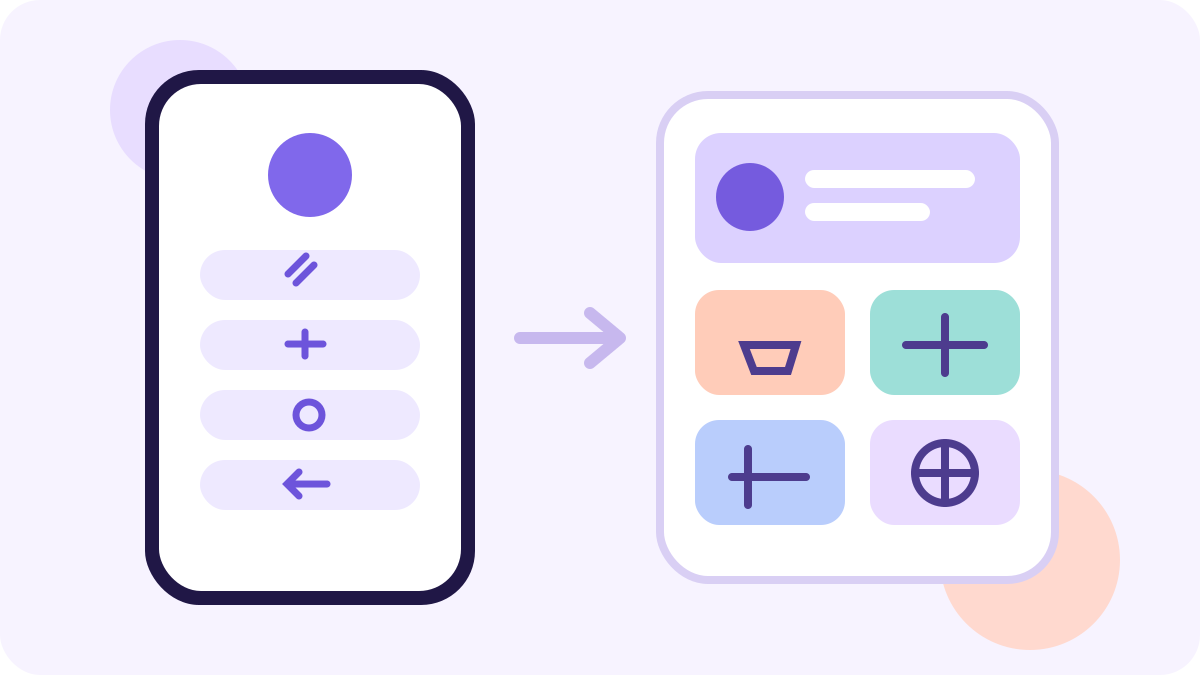
A larger toolkit is useful only when the page has a clear reason and owner for each added capability.
Compare publishing and payment models
Belink's current public offer separates a 30-day no-card trial from lifetime publishing. Visitors can build and preview before publishing; paying immediately is currently listed at $19, while a trial can continue with a one-time payment under the terms shown on the pricing page.
Lnk.Bio currently publishes free, monthly, one-time and annual choices, plus separately priced add-ons. Its official feature page lists free unlimited links and several paid configurations. That flexibility can be attractive, but compare the complete setup you need rather than the lowest headline price.
Write down the exact requirements: branding removal, custom domain, analytics history, scheduling, forms, integrations, multiple pages and commerce. Then check which plan or add-on supplies each requirement. A one-time plan does not automatically include every future need, and a free plan is not automatically inadequate.
Customization: restraint versus breadth
Belink is suited to teams that prefer a controlled profile presentation. A smaller set of decisions can make routine updates easier: add the destinations, write clear labels, choose a theme, preview on a phone and publish.
Lnk.Bio offers a much wider customization catalogue in its public feature list, including many templates, fonts, layouts and embedded services. That breadth can support a distinctive creator profile. It can also make governance more important. Define the approved colours, image treatment, heading style and maximum number of visible choices before opening the editor.
Do not confuse visual variety with visitor clarity. A page can look polished while hiding the next action. Test the page from the social app, on a small screen, and while signed out. The primary route should remain obvious without requiring visitors to decode the design.
For a practical hierarchy method, use the seven-step guide to organizing bio links . It helps separate the primary task from supporting and temporary destinations.
Analytics and integrations should answer real questions
Lnk.Bio publicly distinguishes basic statistics from more advanced analytics and external tracking options on paid plans. It also lists a broad range of embeds and integrations. Before treating this as an automatic advantage, name the decision that each connection will support.
Useful questions include: Which top link attracts qualified visits? Did a seasonal campaign displace an evergreen destination? Are people reaching the booking or checkout system? The last question usually requires destination-side evidence, not only a click count on the profile page.
Belink provides click analytics within its current product offer. A simpler analytics view may be enough for a team that records the date, position and purpose of each important change. Consistent review beats a complex dashboard nobody opens.
Maintenance is the hidden comparison
Build the same six destinations in both products. Then simulate a campaign change: move a new offer to the top, set an end date, update one image and remove an expired link. Measure the complete job from request to signed-out verification.
Record who owns the destination, who approves the wording and when the link should be reviewed. If an embed or integration stops updating, decide who notices and how the page falls back. If a custom domain is involved, record renewal and DNS ownership separately.
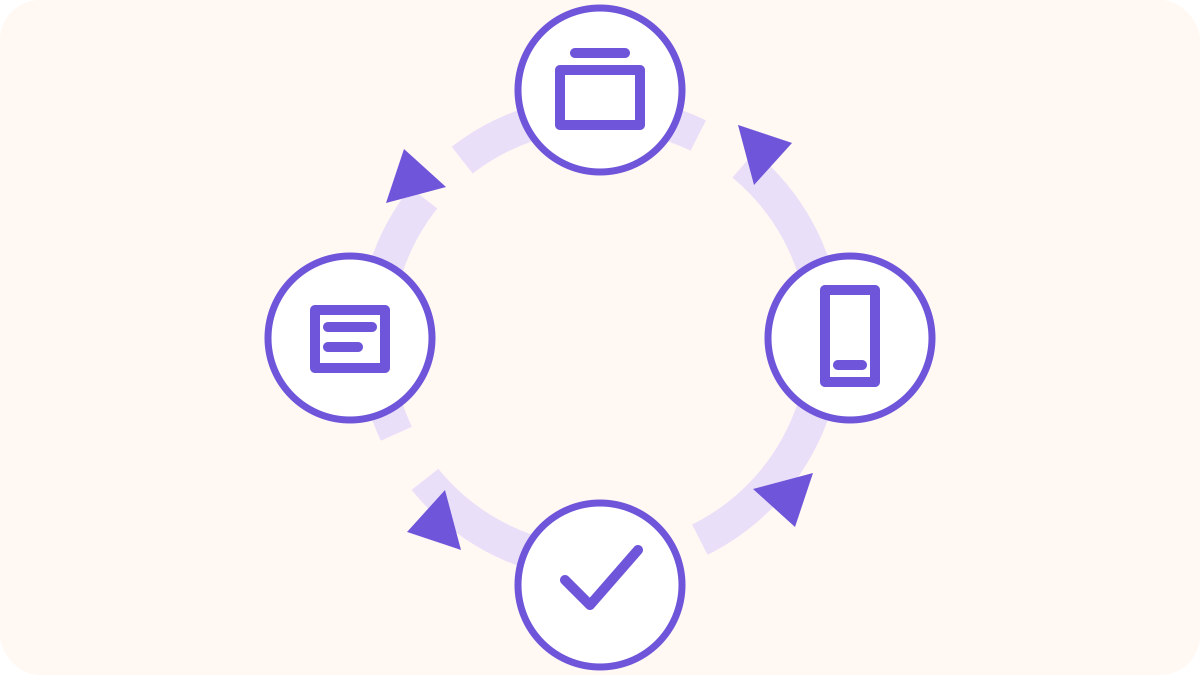
The reliable page is the one that completes this loop every time—not the one with the longest feature list.
The link-in-bio launch checklist covers signed-out access, destination testing, mobile readability and ownership. Apply it after every material update, not only on launch day.
A fair 30-minute comparison
- Select six real destinations and rank them before using either editor.
- Build the same hierarchy in Belink and Lnk.Bio.
- Add only the media or integrations required by a named visitor task.
- Check both pages on a phone with large text enabled.
- Open every destination while signed out.
- Make one campaign change and time the full verification process.
- Compare the current plan and add-on cost for the exact setup.
Score clarity, setup effort, maintenance confidence, required analytics and total cost. Keep a written reason beside each score. “Many templates” is not a requirement; “the editor can publish three approved event routes without developer help” is.
Final recommendation
Belink is the stronger candidate when you want a focused profile page, straightforward upkeep and a one-time publishing model. Lnk.Bio is the stronger candidate when its larger library of templates, embeds, integrations, multipage tools or optional commerce capabilities matches a specific operating need.
Choose the smallest complete visitor journey. If the profile page grows, document every new block and its owner. If it remains a routing page, protect its simplicity by removing links that no longer serve a current task.
Frequently asked questions
Is Lnk.Bio free?
Its current official pages list a free plan with unlimited links and basic statistics, alongside paid monthly, one-time and annual options. Check the live plan table for current inclusions.
Does Belink require a subscription?
No. Belink currently offers a 30-day public trial and one-time lifetime publishing options rather than an automatically renewing subscription.
Which option is better for many integrations?
Lnk.Bio publicly lists a broad integration and embed catalogue. Confirm that the exact integration, plan and maintenance workflow you need are available before choosing.
Can I switch later?
Yes. Keep a source list of destinations, labels, campaign dates and owners. Build and verify the replacement page before changing the URL in every social profile.