Link-in-Bio for Craft Sellers: Shops, Commissions and Market Dates
A craft seller's bio page should help visitors choose between buying something available now, asking about a custom piece, and finding the next in-person market. Give those actions separate, plainly labelled links. Keep stock, commission terms, and event details on destinations you can maintain, then use the bio page as a clear entrance to them.
For makers selling pottery, jewellery, prints, textiles, or other handmade work, that separation matters. A visitor who saw one necklace in a short video may be ready to shop. Someone who liked a previous commission may need a conversation. A local follower may simply want to know where your stall will be this weekend. They should not have to decipher the same vague “Find out more” button.
A link in bio page can bring these routes together. Belink lets you organize links to your store, website, social profiles, and other destinations. The purchasing or enquiry process happens wherever the chosen link leads; write labels that make that next step clear.
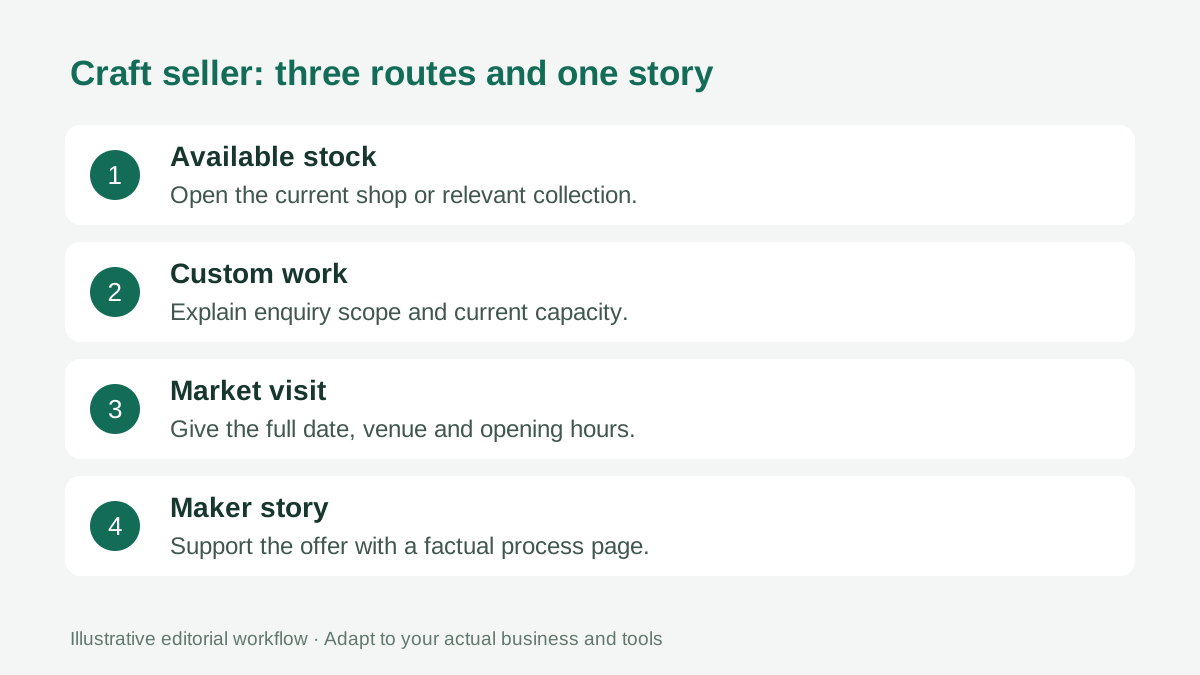
Give each visitor a recognizable next action.
Start with what you can actually offer today
Before choosing colours or adding every account, write down what is currently available. Is the online shop stocked? Are commissions open? Is the next market confirmed? A beautiful page becomes frustrating when its first link describes an opportunity that no longer exists.
Choose the most useful current action as the first link. A maker with ready-to-ship pieces might lead with “Shop available ceramics.” A maker taking a limited set of custom enquiries might lead with “Ask about a custom portrait.” A maker attending a local fair could temporarily prioritize “Saturday market: venue and hours.”
These are illustrative labels, not promises about your business. Adapt them to your real stock, capacity, location, and service. If you cannot maintain a dated market link, keep a general “Upcoming markets” destination that you review regularly.
Keep buying and commissioning on different paths
Ready-made products and custom work ask different things of the visitor. A shop link should open the relevant collection or product range. An enquiry link should explain how a custom project begins and what information you need.
For commissions, the destination might be a page on your own site or a form you already use. Explain the type of work accepted, the information needed for an initial discussion, and any limitations you have confirmed. Do not put an unverified turnaround time on the bio page just to make the offer sound easier.
A helpful enquiry page could ask about the intended item, dimensions, use, and preferred timing. It should also explain that an enquiry is subject to your review. Let the actual agreement establish scope, price, and delivery rather than implying that tapping the link reserves production capacity.
For stock purchases, avoid sending a visitor to an unrelated homepage when the relevant collection has a stable URL. Our guide to bio pages for ecommerce brands covers the wider relationship between campaigns, collections, and shopping destinations.
Make market information usable on a phone
An event link needs more than a decorative poster. Put the event name, full date, opening hours, venue, and organizer's current information somewhere visitors can read without enlarging a small image.
If you know your stall location, include it. If you do not, avoid guessing. Describe what visitors can expect to see only when you know what you will bring. A link to the organizer's official event page can help with access information and late changes.
Be careful with relative dates such as “this Saturday.” They become ambiguous when a post is shared later. A full date makes the information easier to interpret. Remove or update the event link after the market so a new visitor does not mistake an old appearance for the next one.
Use a stable destination where practical, but test it before each promotion. The event-organizer bio page guide has related advice on separating event information from other promotional links.
Explain the product before asking for the sale
A visitor may understand your craft from a video but know very little about the actual piece for sale. Use the linked product page to explain dimensions, materials, care, included components, and other details you can verify.
Keep the bio-page label short. “Shop handmade earrings” is clearer than trying to fit the entire product description into a button. If a campaign promotes a particular collection, identify that collection rather than using an unexplained internal release name.
Do not use “all natural,” “hypoallergenic,” or other substantive claims simply because they sound appealing. Only use claims you can support for the exact materials and product. When a detail needs a longer explanation, let the destination provide it in context.
Photographs should also match the work being offered. A gallery of sold pieces can be useful inspiration, but label it as previous work if those pieces are unavailable. Keep the route to current stock separate from an inspiration archive.
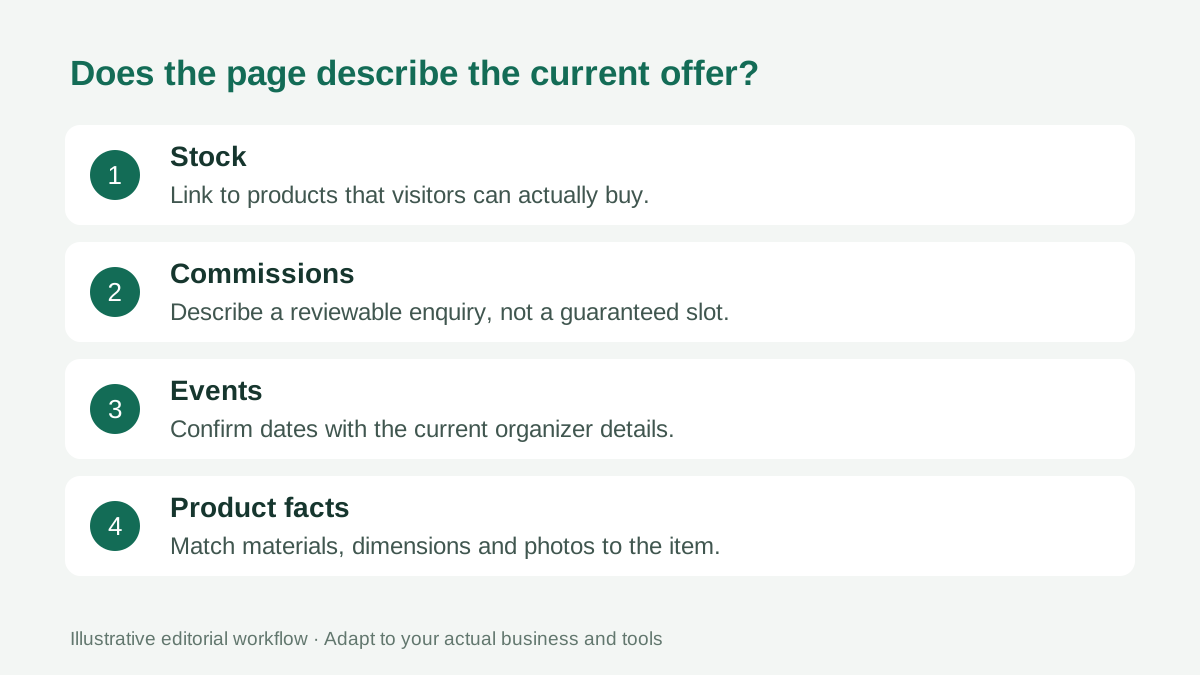
Check whether the words and destinations describe the same offer.
Use your maker story as supporting context
People may want to understand who makes the work, where it is made, or why a technique matters. An “About the maker” link can support that interest without blocking the buying route.
Choose the story details that help someone appreciate or evaluate the work. Describe your actual process, studio, or influences. A simple explanation of hand finishing may be more useful than broad claims about being a unique creative business.
Keep the opening profile description brief enough to scan. For example, identify the kind of work you make and the area you serve, where relevant. Then let a longer website page or portfolio explain the process in detail.
A bio page does not have to carry every possible story, product, and social account. The guide to how many links a bio page should have offers a useful way to choose links by visitor purpose.
Prepare the page for a market weekend
Treat a busy market weekend as a small content change, not a reason to redesign everything. Confirm your shop destination, update the event information, and check whether your commission status remains accurate.
Before announcing the page, open it on a phone while signed out. Follow each commercial route until you reach the shop, enquiry information, or event details. Check that the destination is public and that its next action is visible.
If you print a QR code for your stall, test the actual printed copy at its intended size. Confirm that it opens your correct public URL. Keep an ordinary written URL available for people who prefer typing or cannot scan.
After the event, remove expired details and review any stock changes on the selling platform. Do not assume that a link aggregator updates product availability or event pages on your behalf. Your page and its destinations need separate checks.
Review clicks alongside real enquiries
Belink's public feature information includes click analytics. Where those measurements are available in your account, they can help show which links people choose. Use them as a starting point for questions, rather than proof that a button caused a sale.
A shop link may receive clicks while visitors discover that their preferred item is sold out. A commission link may receive fewer clicks but start useful conversations. Compare click patterns with the actual enquiries or orders in the systems where those actions occur.
Change one meaningful element at a time when you investigate a weak route. A clearer label, a more relevant collection destination, or a better position may address different problems. Keep a brief note of what changed so your next review has context.
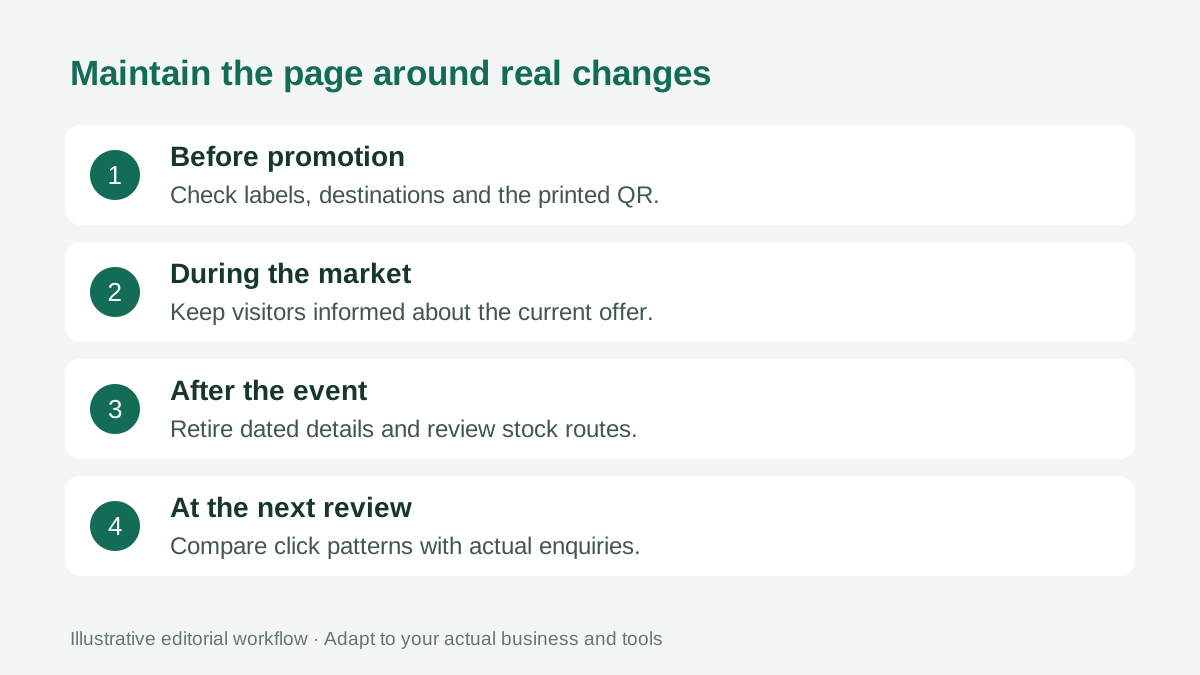
Maintain the page around real business changes, not an arbitrary redesign schedule.
A compact example you can adapt
Imagine a fictional maker with a stocked online shop, an enquiry page, and one confirmed fair. Their page could open with a short description of their work, followed by “Shop available pieces,” “Ask about custom work,” and “Next market: full date and venue.”
A fourth link might explain the making process. Add another social account only if it helps the visitor continue a useful task. This example is a layout exercise, not a recommended number of links for every maker.
The page works when each label has a distinct meaning and each destination fulfils that meaning. Review it whenever stock, capacity, or event information changes.
Frequently asked questions
Can I link to an existing marketplace shop?
Yes. Link to the public shop or relevant collection you already use, then test the destination on a phone. Checkout, fees, and order handling remain subject to that platform's current terms.
Should I put commission prices on the bio page?
Only if the wording remains accurate for the work offered. If price depends on scope, link to a page that explains the enquiry and quoting process rather than publishing a misleading single figure.
Should sold work disappear from my page?
It can remain in a clearly labelled portfolio or previous-work gallery. Keep that separate from the route to available stock so visitors understand what they can buy now.
How often should a craft seller update a bio page?
Update it when the offer changes: stock availability, commission capacity, a confirmed event, or a destination URL. Check dated links immediately after an event and before the next promotion.