
Affiliate Links in Bio: Disclosure, Routing, and Click Tracking
An affiliate link in bio should help a visitor understand what you recommend, why the recommendation fits, and whether you may earn from the purchase before they choose a product link. Put the destination promised by the social post first, keep a plain-language disclosure close to commission-earning links, and send each visitor to the narrowest useful product or retailer page.
The page is a routing layer, not a substitute for the disclosure in the post, video, Story, email, or review that contains the endorsement. It also cannot override the rules of an affiliate program. Before publishing, check the current agreement for every program you use, including its requirements for link presentation, required wording, prices, redirects, and approved social accounts.
The practical goal is a page that remains useful even if a visitor never buys: it should explain the selection, reduce wrong turns, and make the commercial relationship understandable without a hunt through fine print.
Start with the promise that brought the visitor
Affiliate pages become confusing when every product, discount, retailer, and evergreen resource is equally urgent. Ask what the visitor expected after tapping the profile link. If a Reel compares three carry-on organizers, lead to that comparison or current organizer edit. If a post explains a camera setup, lead to the exact gear list rather than a general storefront.
Use one primary route, then add only the review method, a useful regional or budget alternative, and a supporting resource that serves the same visitor.
The guide to organizing bio-page links explains how to separate permanent destinations from temporary campaign links. For an affiliate page, that distinction prevents an old sponsored campaign from staying above a current, relevant recommendation.
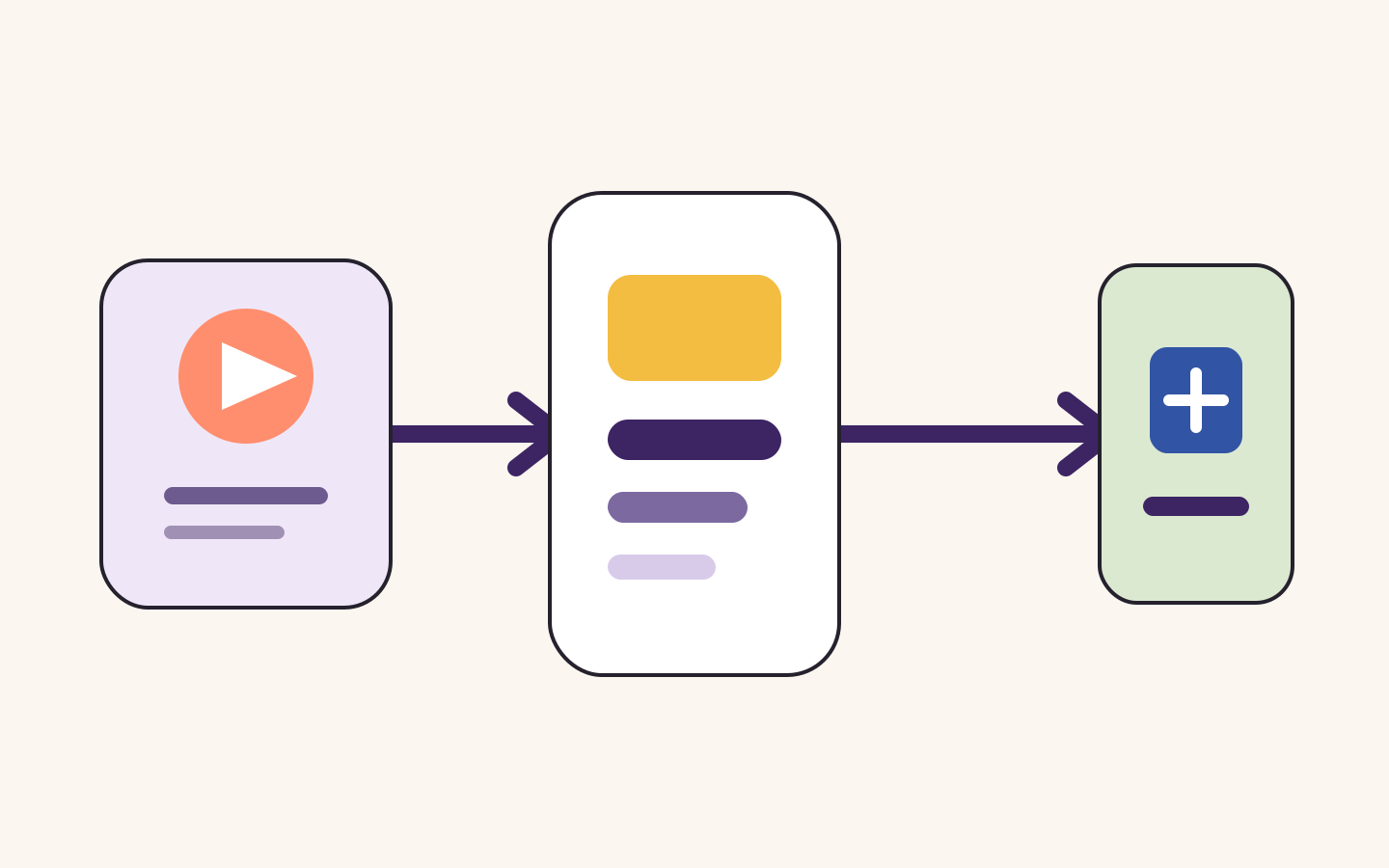
A useful route preserves the promise from the social post instead of dropping every visitor into a general storefront.
Put the disclosure where the relationship is understandable
A disclosure should explain the material relationship in words an ordinary visitor can understand. The US Federal Trade Commission’s Endorsement Guides Q&A says an affiliate relationship should be disclosed clearly and conspicuously, and that the closer the disclosure is to the recommendation, the better. It also notes that “affiliate link” or a “buy now” button alone may not explain that the publisher can be paid.
On a compact bio page, place a short disclosure immediately before the relevant product group or include clear wording in each commission-earning label. For example: “I may earn a commission if you buy through the marked links.” The right wording depends on the relationship, audience, jurisdiction, program, and format, so treat this as a practical example rather than legal advice.
Do not rely on a disclosure that appears only:
- in the site footer;
- on a separate About page;
- after a long list of product links;
- inside an unexplained icon; or
- in the bio page when the original endorsement also needs its own disclosure.
The FTC’s social media disclosure guide says disclosures should be hard to miss and placed with the endorsement itself. A bio-page statement cannot repair a missing disclosure in the content that persuaded someone to tap.
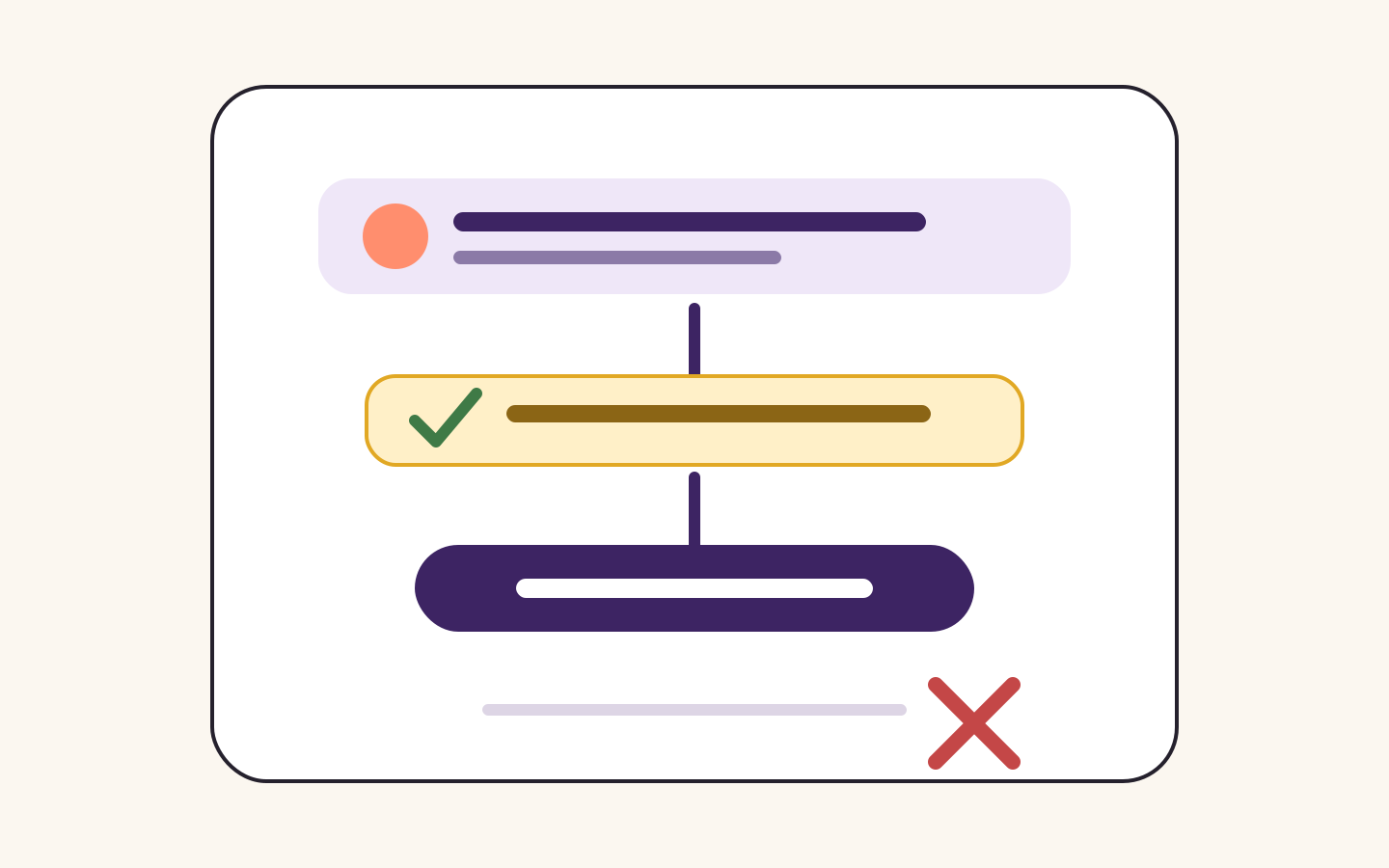
Keep the commercial relationship visible at the moment a visitor evaluates the recommendation and link.
Check program rules before shortening or grouping links
Affiliate programs set their own terms, including approved properties, link formats, required wording, and restrictions on prices or redirects. These requirements can change, so never assume another creator’s setup is permitted for your account.
For example, Amazon Associates currently tells participants to use its required Associate identification on their site or account and to put a clear disclosure near affiliate links. Its official disclosure help should be checked alongside the operating agreement that applies to the account. Other programs may use different language or controls.
Before adding a program link to Belink, verify:
| Check | Question to answer |
|---|---|
| Approved property | Is this Belink page or social profile registered where the program requires it? |
| Link format | Must the original tracking URL remain visible or can it pass through a page link? |
| Required wording | Does the program specify an account-level or link-level statement? |
| Product claims | Are price, stock, discount, and ranking statements current and permitted? |
| Geography | Does the destination work for the visitor’s likely country and currency? |
| Expiry | Does the offer, code, or campaign end on a known date? |
Belink can organize links and show click analytics, but the current agreement and program dashboard remain the authority for each URL and claim.
Group by visitor decision, not by merchant
A wall of retailer names makes the visitor reconstruct your recommendation. Group links by the decision the content helped them make—“Best compact tripod for travel,” “Budget alternative,” or “Full desk setup”—then label the destination accurately.
Descriptive labels also improve usability. W3C’s link-purpose technique explains that link text should help people distinguish destinations and decide whether to follow them. “See the tested carry-on organizer at Retailer A” communicates more than “Shop now.”
Use separate routes only when they solve a real choice. A country-specific retailer may deserve an alternative; ten merchants carrying the same item usually belong on a maintained comparison page.
The Instagram link-in-bio examples include an affiliate-creator structure that pairs a current edit with a review method. That pattern is stronger than an unexplained product grid because it gives the recommendation a visible basis.
Keep recommendations current and traceable
Affiliate pages decay quickly: products sell out, pages redirect, and codes expire. Give every campaign an owner and review date. Keep a private ledger with the public label, destination, program, related content, disclosure wording, expiry, and last test.
Open each link from a signed-out mobile browser and confirm the product, variant, region, and claim still match. If an item is unavailable, explain a genuine replacement or remove the recommendation; do not silently substitute a different product to preserve commission.
Measure attention without calling it revenue
Belink click analytics can show page views and outbound link clicks. That tells you which public routes receive attention, but it does not prove that a visitor bought an item, kept it, or generated commission. The affiliate program or merchant reports the downstream event under its own attribution and validation rules.
Review the journey as three separate evidence layers:
- Belink: page views and outbound link clicks;
- the merchant or affiliate program: attributed orders or other reported actions; and
- your finance records: validated commission after reversals, returns, and payment rules.
Use the same date range across stages and keep counts beside rates when totals are small. The link-in-bio analytics guide explains why a click-through rate is not a conversion rate.
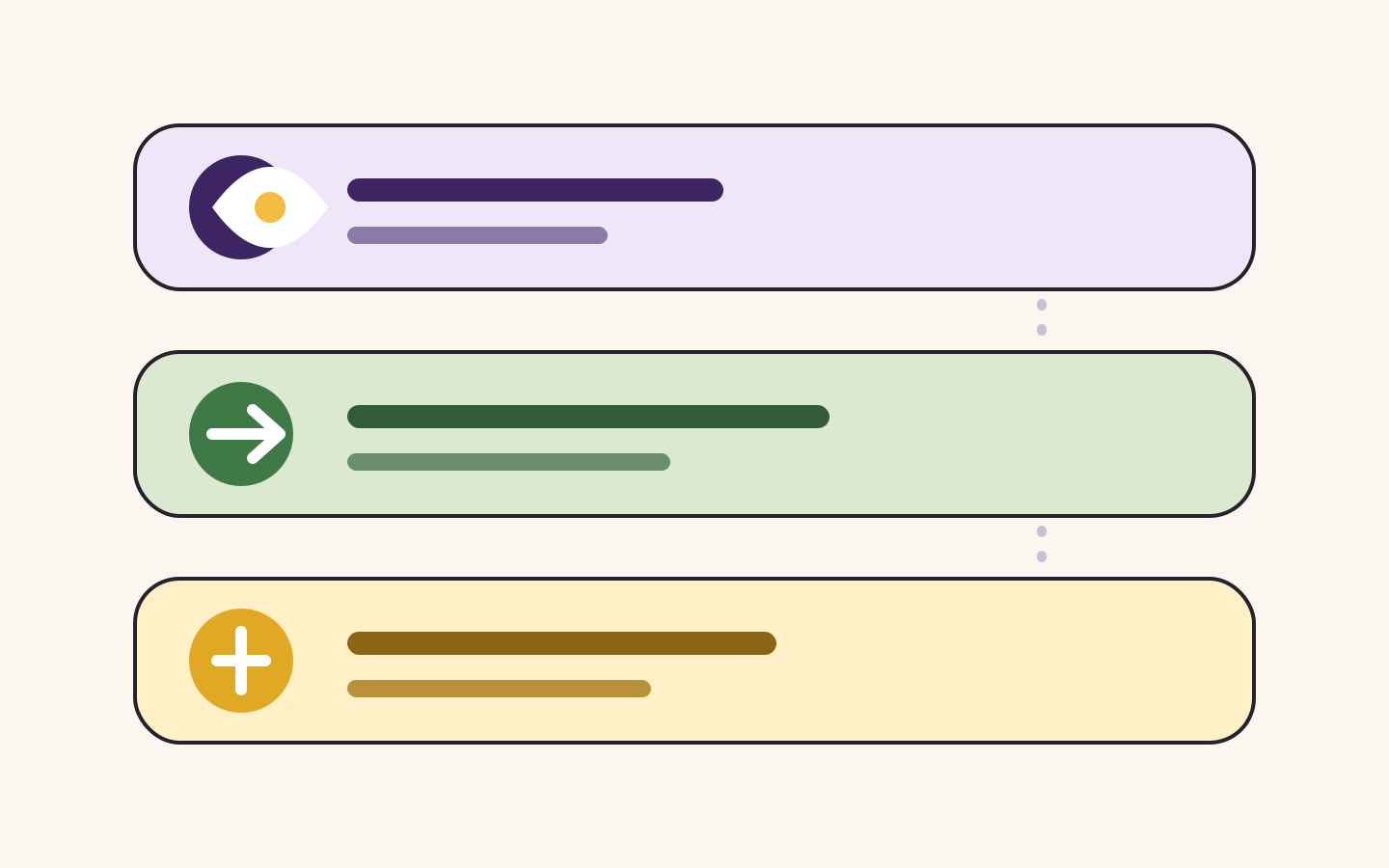
Views, clicks, attributed orders, and validated commission come from different systems and should not be merged into one unsupported result.
Use a five-minute pre-publish test
Read the post and bio page as one journey. Can a visitor identify the promised recommendation, see the relationship before the earning link, understand each label, and open the destination while signed out on a phone? Are prices, codes, availability statements, or rankings still true?
Finally, verify the exact account and program terms that apply today. A clean page is valuable because it makes the route understandable; it is not a compliance shortcut or a guarantee of clicks, sales, or earnings.
Frequently asked questions
Can I put affiliate links in a link in bio?
Often, yes, if the affiliate program permits the property, account, and link format you are using. Register or disclose the page where required, follow the current program agreement, and make the financial relationship clear near the recommendation and link.
Is “affiliate link” enough disclosure?
Not necessarily. The FTC’s current affiliate guidance says people may not understand that the phrase means you receive payment from purchases. Plain wording such as “I may earn a commission if you buy through this link” is generally clearer, but requirements depend on the relationship and applicable rules.
Does a disclosure on my bio page cover an Instagram post or video?
No. A disclosure on the destination page does not replace a disclosure that should appear with the endorsement in the original post, Story, video, email, or review. Evaluate each format and program separately.
Should every affiliate product have its own button?
Only when each button represents a clear, useful choice. Group related products into a maintained edit or comparison when separate buttons would create a long, repetitive list. Keep the current content’s promised recommendation first.
Can Belink track affiliate sales?
Belink can measure page views and outbound link clicks. The affiliate program or merchant reports attributed orders, and your finance records confirm validated commission. Do not present a Belink click as a sale.
How often should I review affiliate links?
Review time-sensitive campaigns on their expiry date and test evergreen links at least monthly. Also check immediately when a product, price, code, merchant page, program term, or disclosure requirement changes.