Black Friday Link in Bio: A 7-Day Campaign Plan
A Black Friday link in bio should give social visitors one obvious next step without erasing the permanent routes they may still need. Treat the campaign as a temporary layer: feature one current offer, keep essential support links available, and decide before launch when the seasonal layer will be removed.
For Black Friday 2026, which falls on November 27, the practical job is not to add every promotion to one page. It is to align the promise in each social post with the first useful destination, test the full journey on a phone, and preserve a reliable path when products sell out or the campaign ends.
This seven-day plan moves from the customer task through setup, verification, measurement and rollback. The examples stay within Belink's current public capabilities of ordered links, themes, click analytics, video embeds and document sharing.
The answer first
Build one campaign route, not a seasonal directory. Put a valid destination first, use a label that predicts the next screen, test while signed out on a phone, and save the original order for restoration after Cyber Monday.
| Day | Operating decision | Evidence to keep |
|---|---|---|
| 7 | Choose one primary customer task | Approved offer and destination |
| 6 | Audit permanent and seasonal routes | Keep, move, hide or remove list |
| 5 | Write labels and page order | Final copy sheet |
| 4 | Build the temporary campaign layer | Preview screenshots |
| 3 | Test every handoff | Device and destination checklist |
| 2 | Align social posts and owners | Publishing schedule and backup |
| 1 | Launch, watch and prepare rollback | Live checks and baseline clicks |

The plan reduces risk by separating decisions, setup, verification and launch instead of changing everything on sale day.
Day 7: define the one action that matters
Finish this sentence: “After someone sees our Black Friday post, they should be able to ___.” The answer might be view the sale collection, reserve a limited session, download the offer guide or join a waitlist. It should describe a customer action, not an internal metric such as “increase engagement.”
Choose the destination that completes that action. Send a product promotion to the relevant collection, a booking campaign to current availability, and a downloadable offer to a maintained document or landing page.
Confirm the owner, timing, exclusions and fallback. Let the shop, booking system or maintained landing page remain the source of truth for stock, capacity and price.
Day 6: audit the current page before adding anything
Do not begin by stacking seasonal buttons above an already crowded page. List every existing destination and classify it as permanent, campaign-specific, temporarily irrelevant or expired. The seven-step link organization system provides a useful keep, hide, combine or remove framework.
Keep routes that support the sale journey, such as shipping information, size guidance, booking terms or store directions. Move unrelated promotions lower or hide them during the campaign. Remove broken and expired routes rather than letting sale traffic discover them.
Save the original order. That record is the rollback plan.
Day 5: write labels that predict the destination
The first button should repeat the action implied by the social post. “Shop the Black Friday collection,” “Reserve a discounted session,” or “Download the offer guide” is clearer than “Click here” or “Learn more.” The visitor should understand the next screen before tapping.
For remaining routes, avoid unsupported urgency, invented scarcity or promises the destination cannot verify. The first route carries the campaign; the next two or three answer likely decision questions; lower-priority resources come later.
Day 4: build a temporary campaign layer
Update the page without rebuilding its identity. Keep the recognizable profile name, image and visual theme so returning visitors know they have reached the right business. Change the order and campaign content only as much as the sale requires.
In Belink, use an ordered link as the primary route, adding a video or document only when it genuinely helps the decision.
Preview at phone width. The identity, offer and first action should be clear before careful scrolling. The small-business bio-page guide explains how to balance a primary action with trust and practical information.
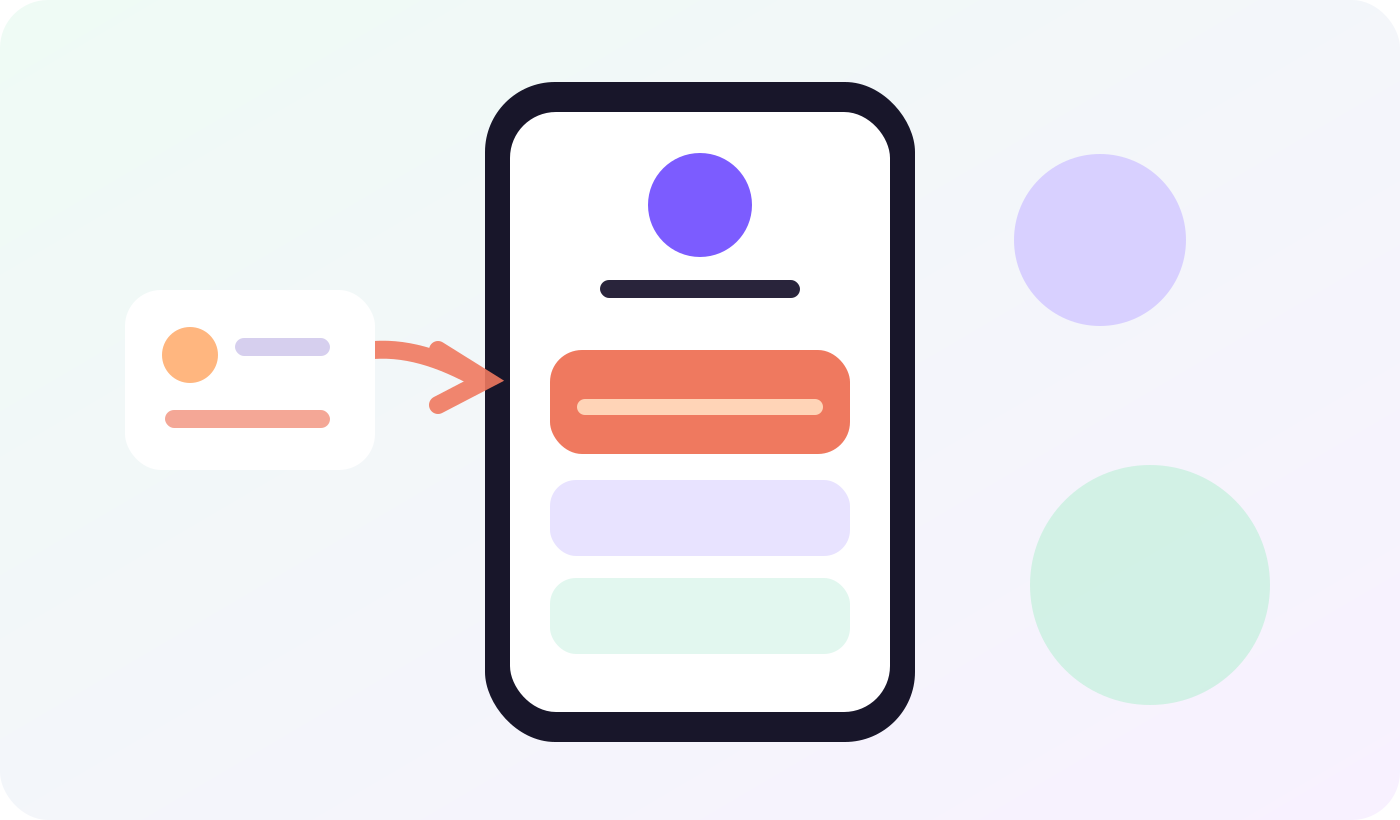
Keep the permanent identity and essential routes stable while the seasonal offer occupies the first decision position.
Day 3: test the whole handoff, not only the button
Open the public profile from the actual social account, while signed out, on at least one phone. Tap every route. Confirm the browser reaches the intended destination, the page is mobile-readable, the business identity matches, and the promised action can be completed.
Test sold-out products, closed booking slots, expired codes, document permissions and login walls. Decide the fallback before launch.
Use the link-in-bio launch checklist for the final identity, label, mobile and destination review. Record who tested, which device was used and when the check happened. “It worked in the editor” is not publication evidence.
Day 2: align the post, page and destination
Read the social post, first bio-page label and destination headline in order. They should describe the same offer without forcing the visitor to reinterpret it. If a post promotes one collection but the first button opens a general store, repair the mismatch before scheduling.
Assign an owner and backup. Both need the source list, approved copy and rollback record.
Schedule one check before the first post and another after it is public.
Day 1: launch with a rollback ready
Publish before the first sale post, repeat the signed-out phone test and capture the live page plus first destination. Note the click baseline, but do not treat clicks as completed sales or bookings.
Be ready to replace a broken route, relabel a changed promise or promote the fallback if the offer ends early. Avoid redesigning the whole page under pressure.

Verify the same path a customer uses, including the final action and the fallback when an offer is unavailable.
What to measure during the campaign
Use bio-page clicks to see which routes received attention. Compare them with destination-side outcomes such as orders, bookings, downloads or signups: the bio page records the handoff; the destination records the result.
Record changes to labels, position, post timing or offer, plus broken routes and fallback activations. Without context, a click total cannot explain behavior.
Reset the page after Cyber Monday
At the agreed end time, remove or lower the seasonal route, restore the saved permanent order and test the public page again. Do not leave “Black Friday” first merely because the destination still loads. An outdated promise reduces trust even when the URL returns a successful page.
Archive final copy, screenshots, destinations, click context, problems and fixes as a campaign record—not permanent visitor-facing clutter.
Frequently asked questions
How many Black Friday links should be on a bio page?
Use one primary campaign route and only the supporting links needed to decide or recover, such as shipping information, booking terms or a fallback collection. There is no universal number; clarity and distinct purpose matter more than a quota.
Should every Black Friday post use the same bio-page destination?
Only when the posts make the same promise. If posts promote different products or actions, either update the featured route deliberately or link to a maintained campaign collection that helps visitors find the promised item without restarting their search.
When should the Black Friday bio page go live?
Publish and verify it before the first campaign post. Leave enough time to repair a broken destination or permission problem, and schedule another live check immediately after the post appears.
What happens when the offer sells out?
Use a preapproved fallback such as an alternative collection, waitlist or clear sold-out destination. Do not keep a button promising an available offer when the final page cannot fulfill it.
How soon should the page be reset?
Reset it at the campaign's documented end time or earlier if the offer is no longer valid. Restore the permanent order, remove expired seasonal wording and retest every remaining destination.